 Awan
AwanTell Awan once. Remember at the right moment.
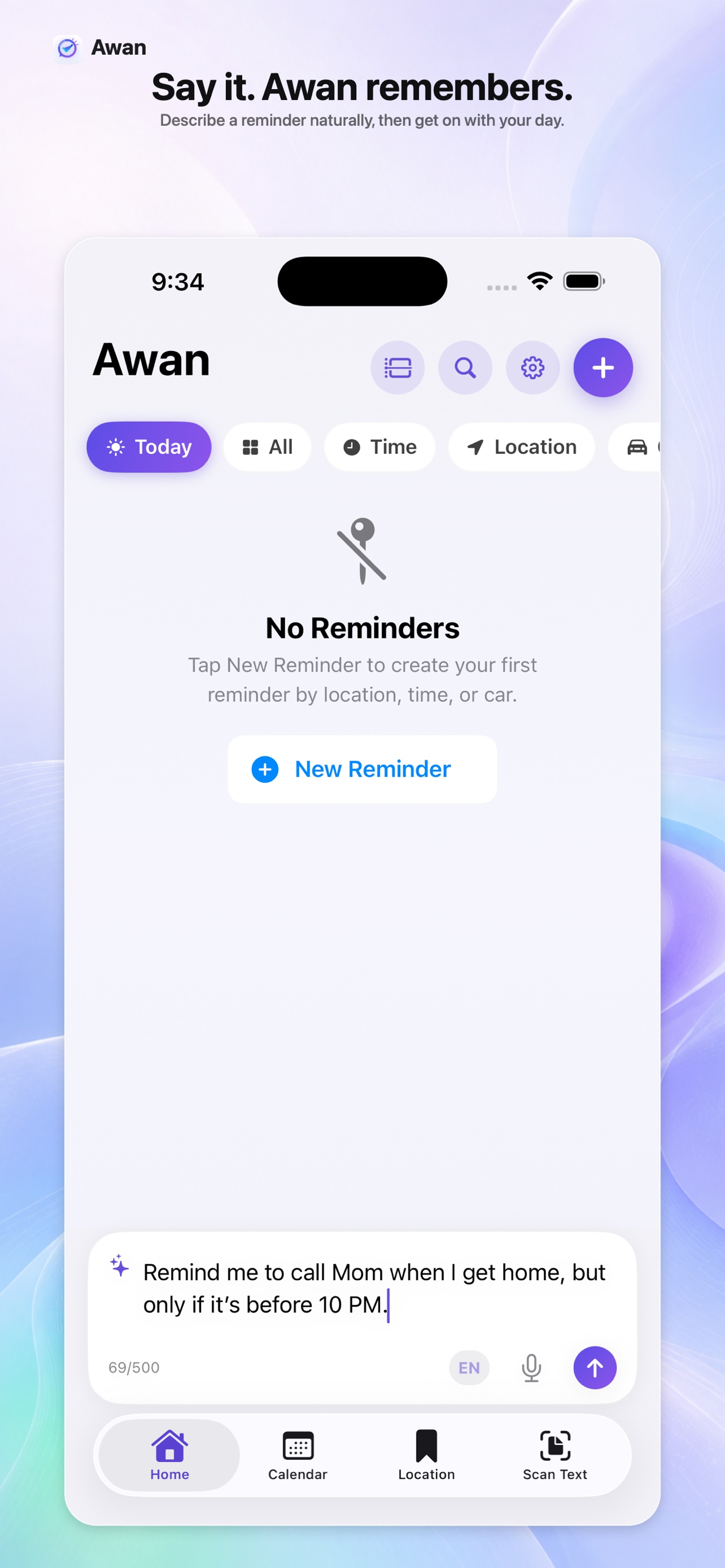
Describe a reminder in plain Arabic or English. Awan handles the place, time, or car trigger in the background.

Three ways to trigger
Place, time, or your car.
Place-aware
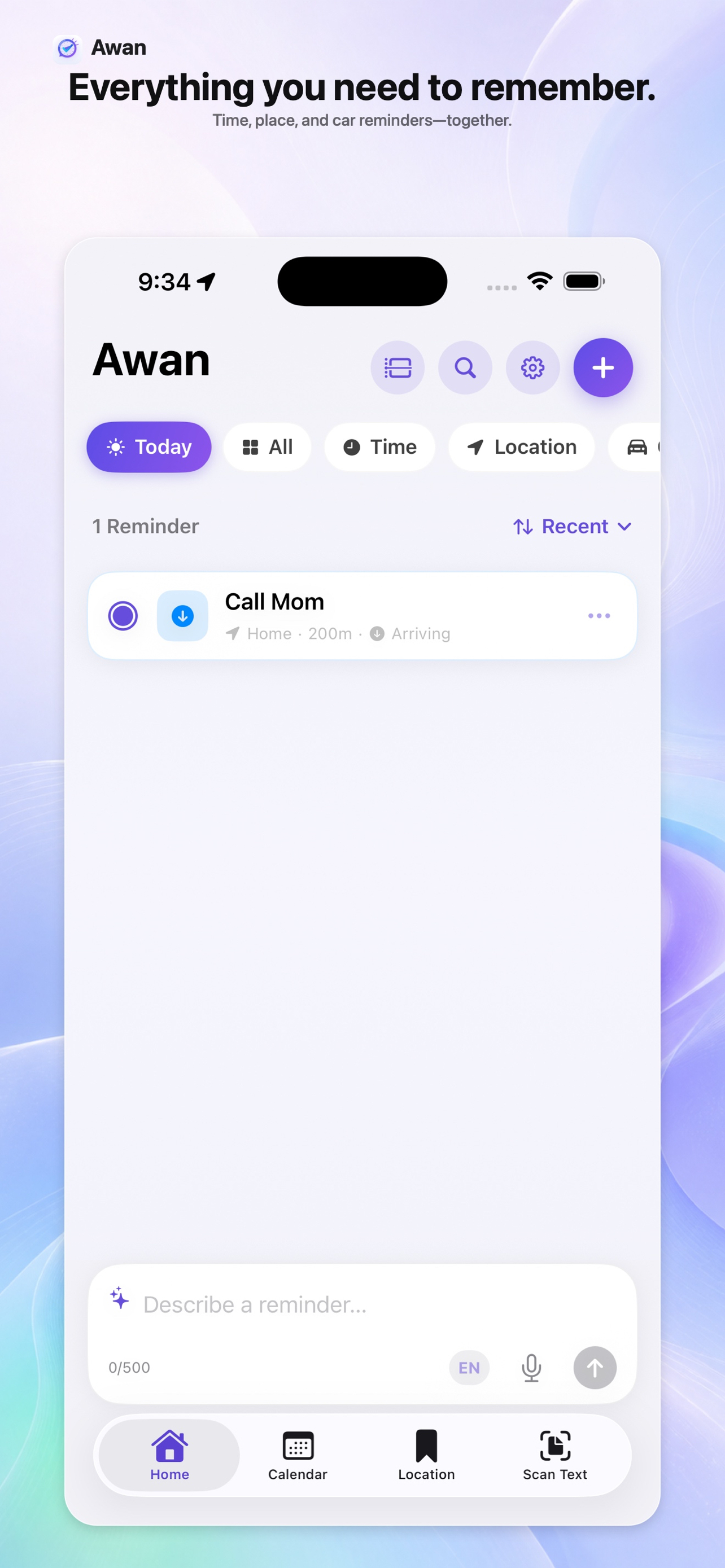
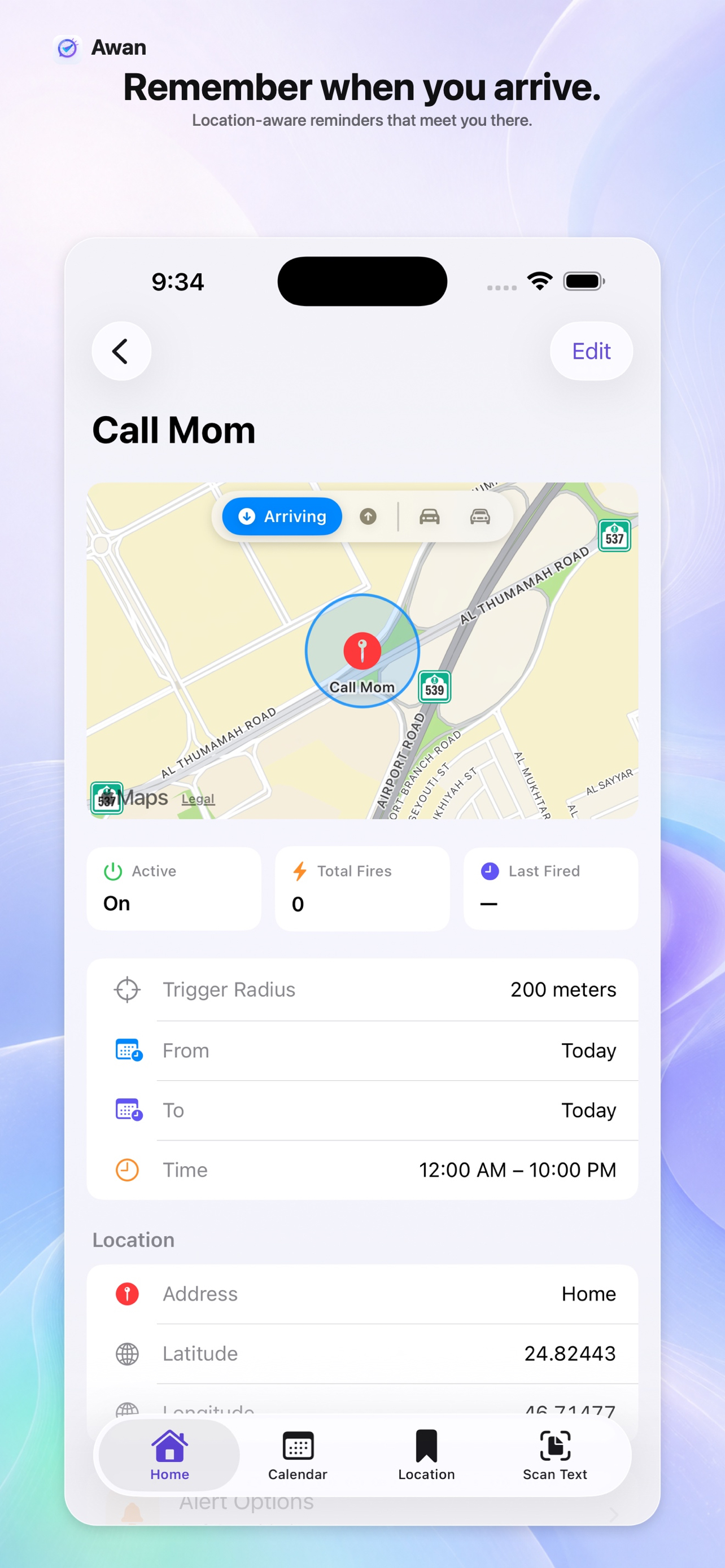
Reminds you as you arrive at — or leave — a place, with the radius you choose.
Time-aware
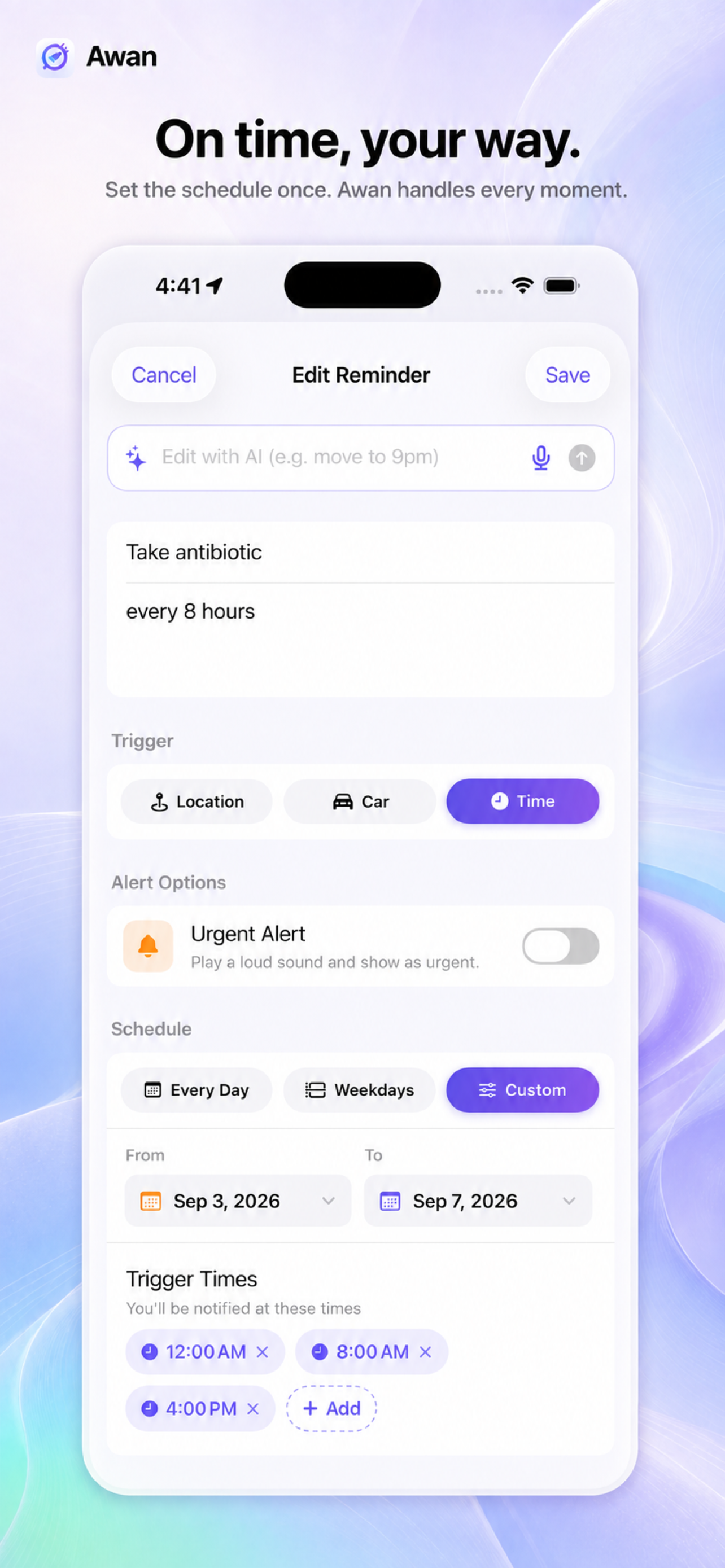
One time, every day, weekdays, or a fully custom schedule.
Car-aware
Reminds you when you connect to your car — or the moment you get out. Bluetooth or CarPlay.
Natural language, less setup
One sentence. Everything configured.
Tap the Create with AI bar and describe the reminder in your own words. Awan prepares the trigger, timing, place, and schedule for you to review.

Three steps
Describe it, review it, forget it.
Describe it
Type or speak a reminder naturally, in Arabic or English.
Review it
Awan prepares the trigger, timing, radius, and urgency for you.
Forget it
iOS reminds you automatically at the right moment.
Designed to feel familiar
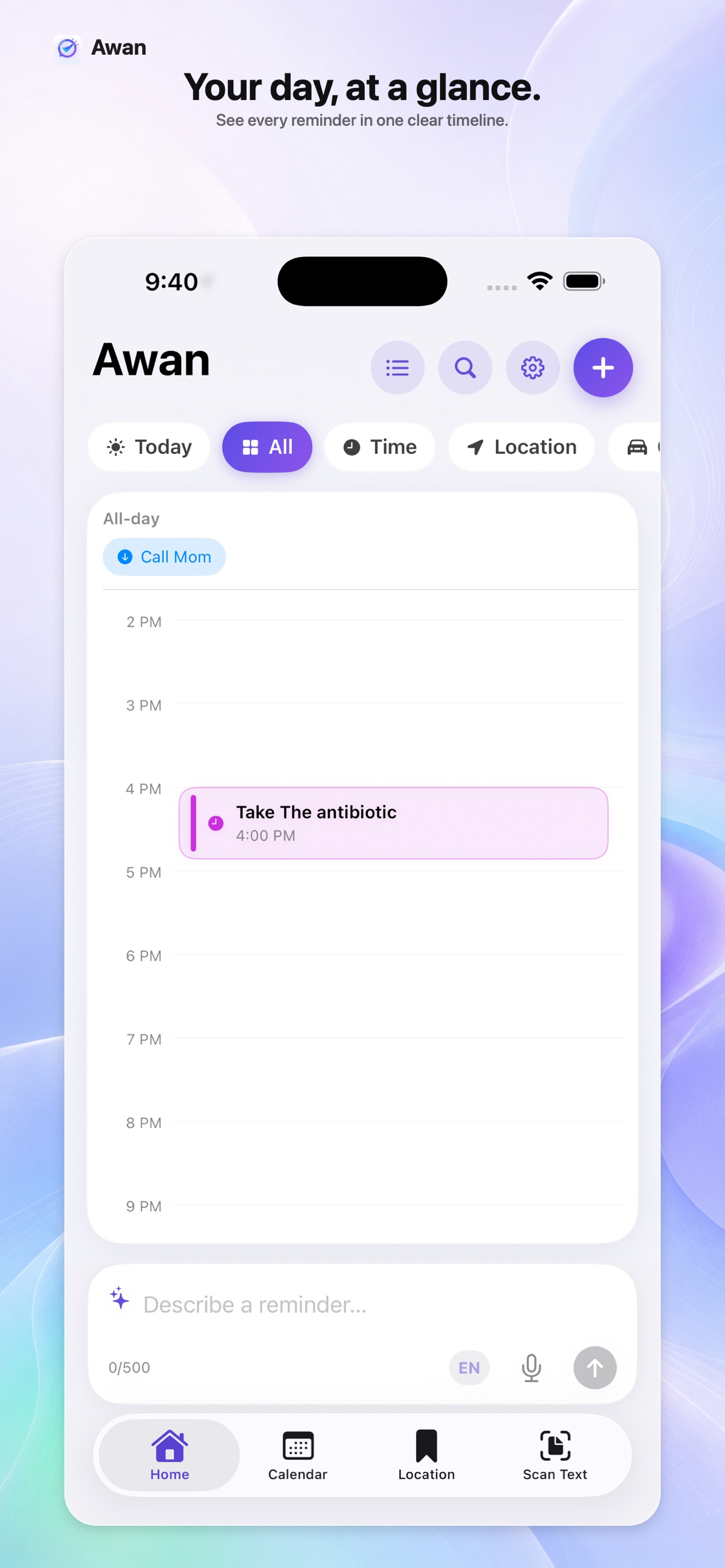
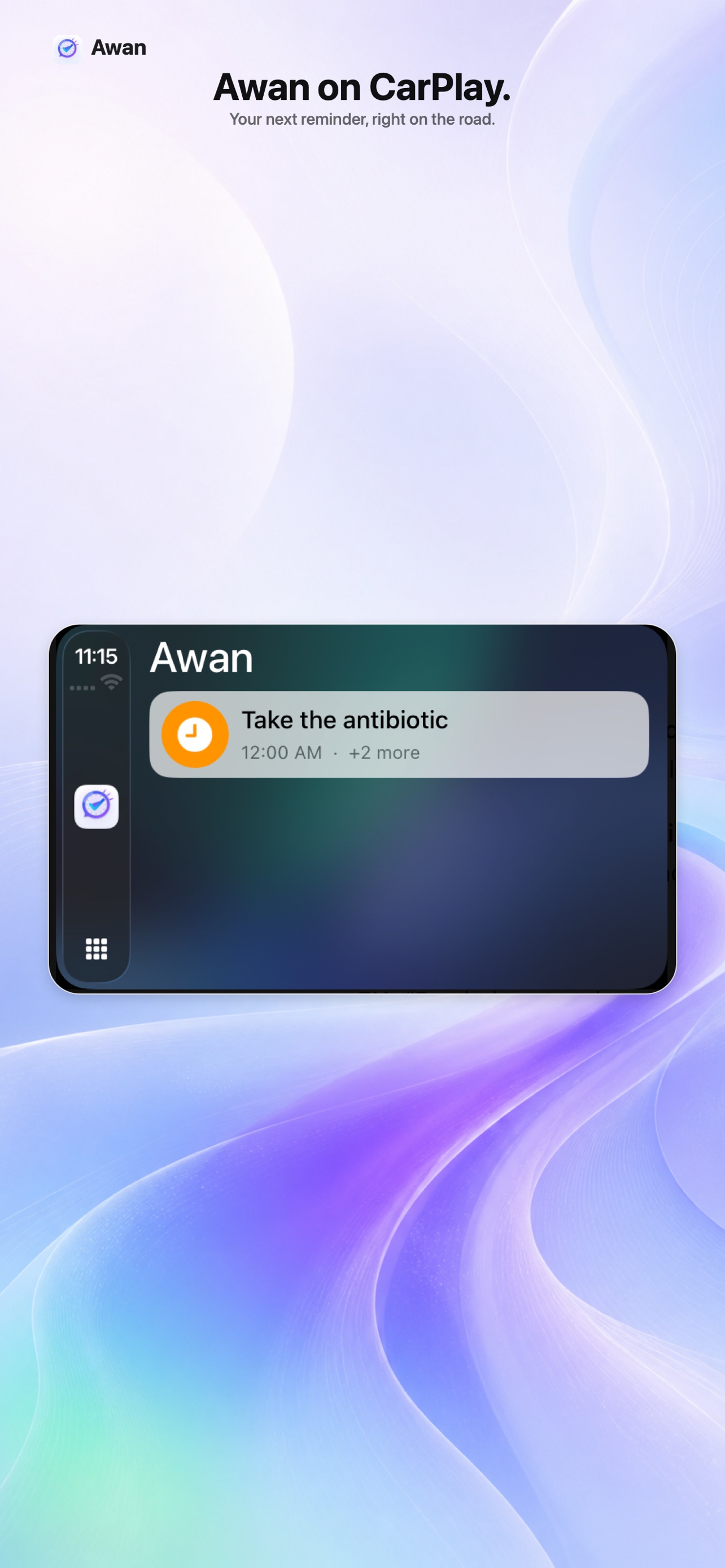
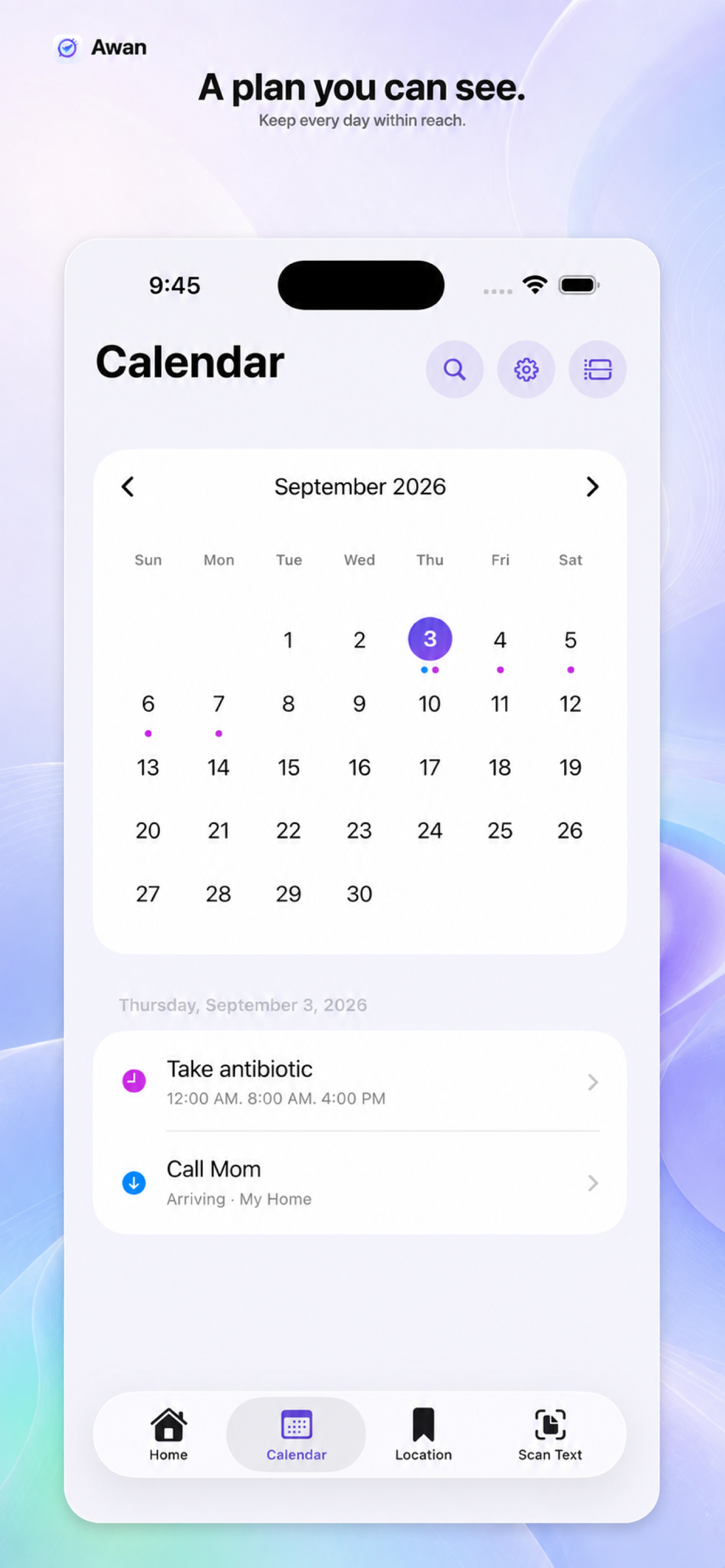
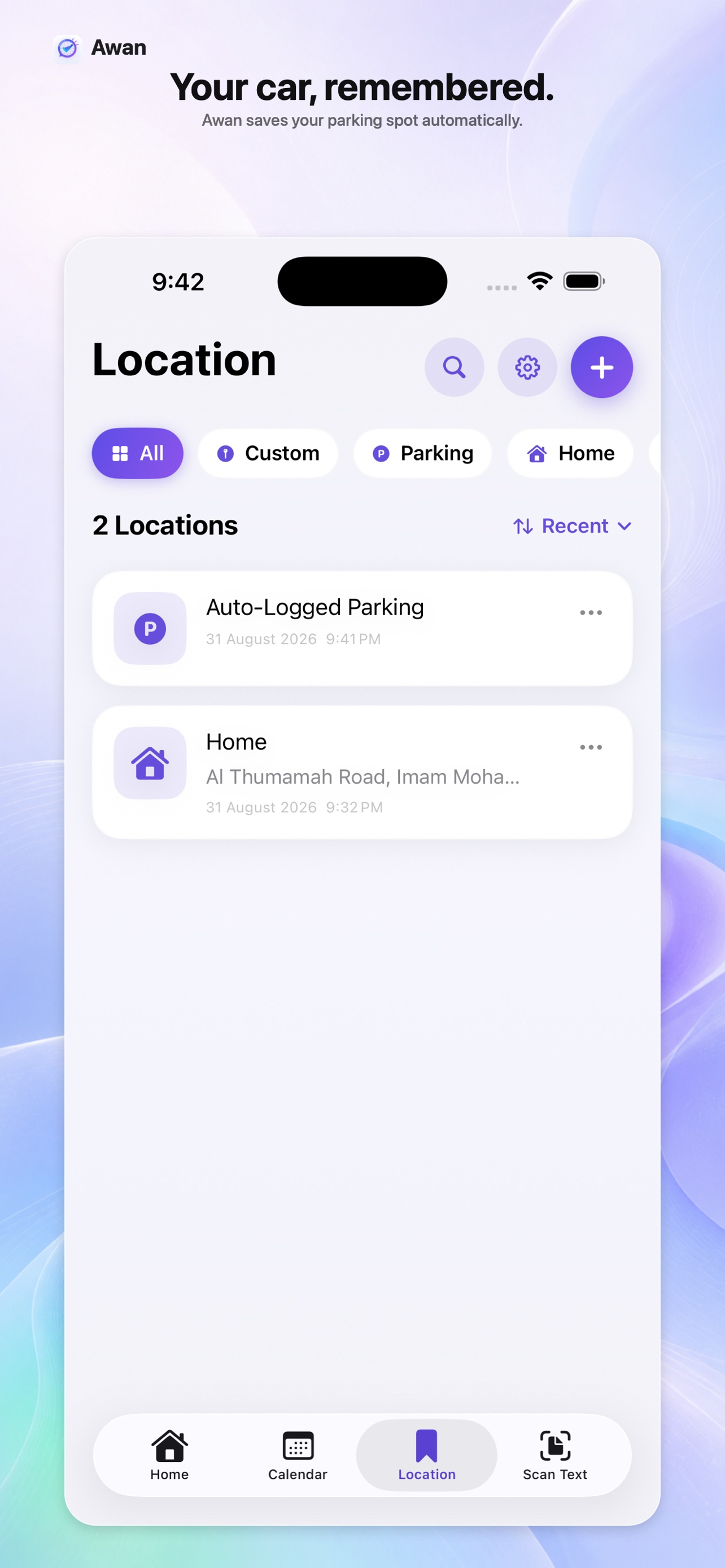
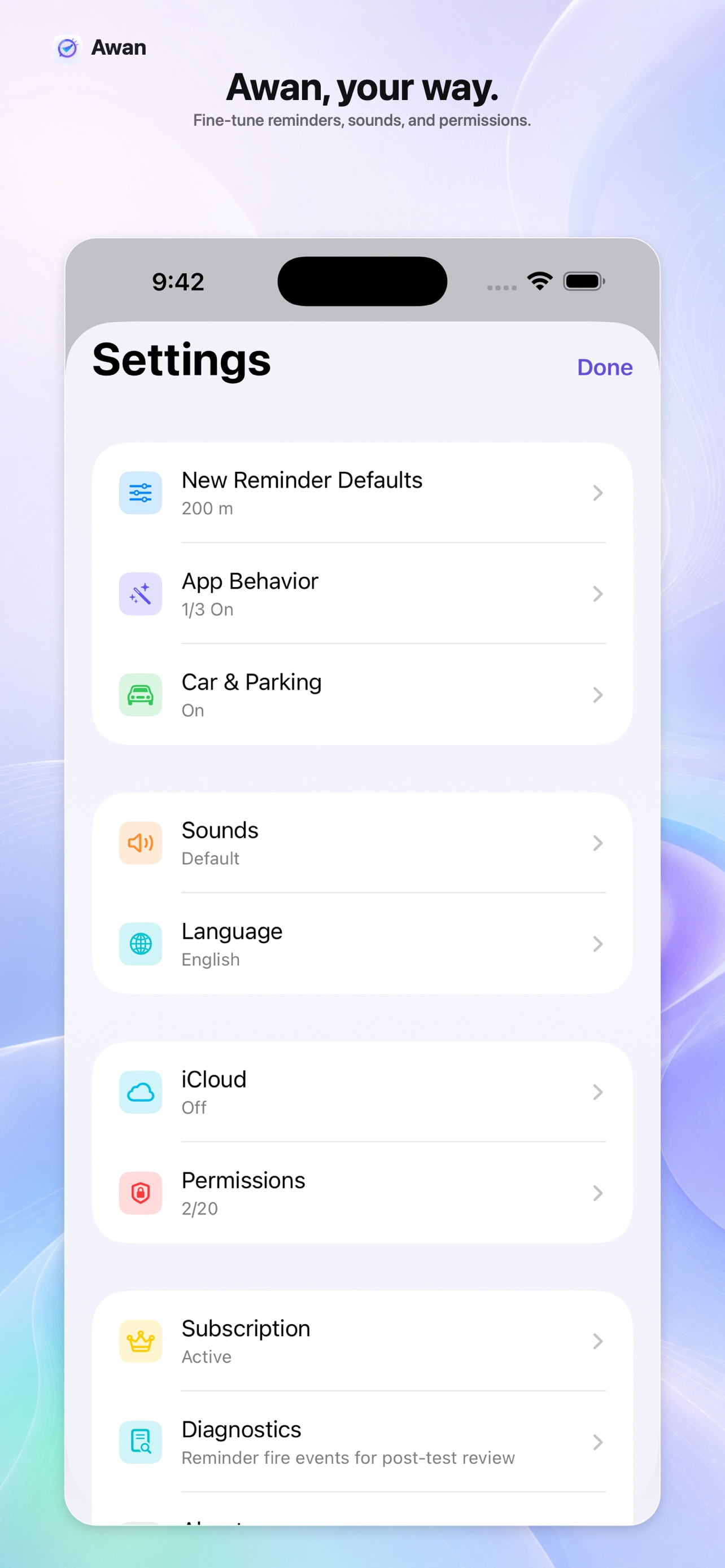
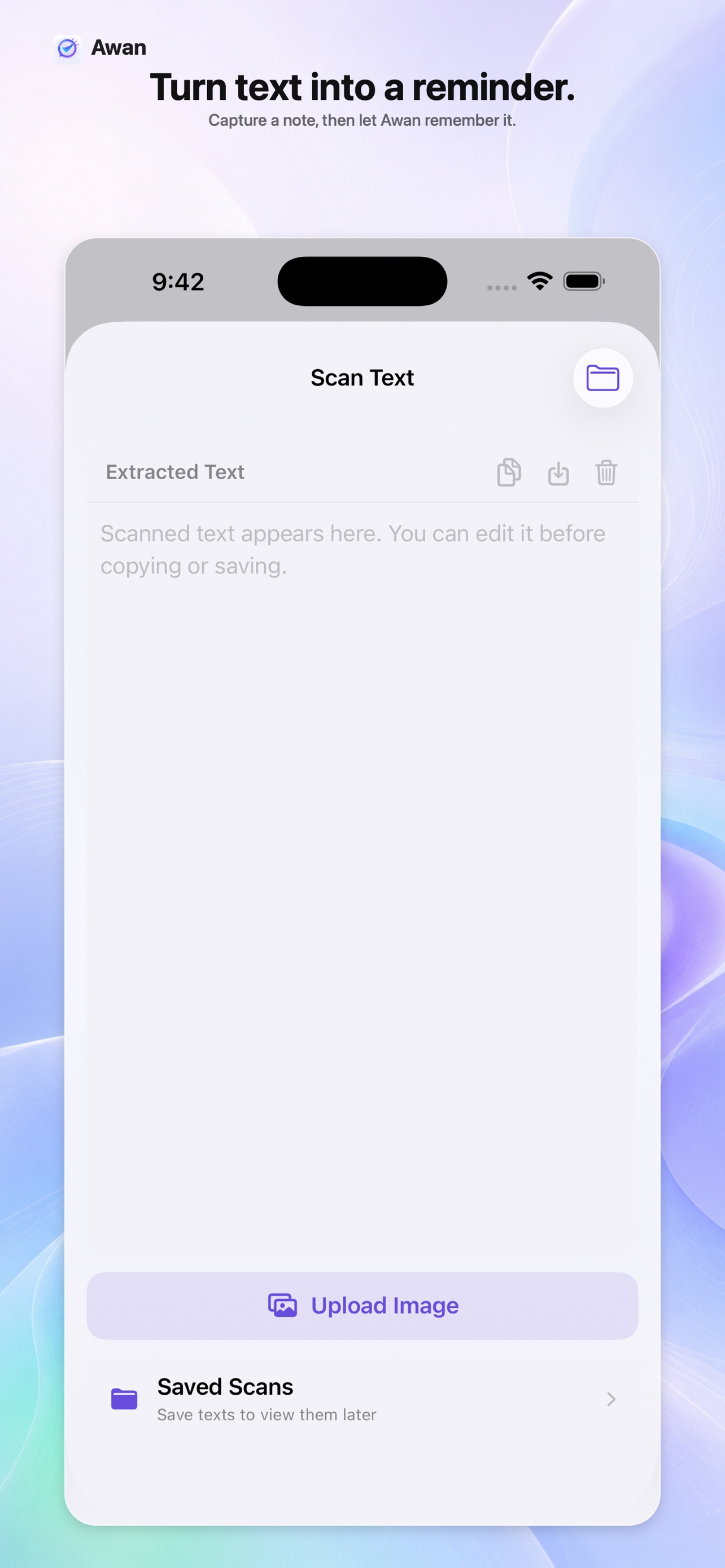
See the feature, not a wall of text.
Every screen is built to keep setup fast, familiar, and easy to scan.
Private by design
Your reminders stay yours.
Your reminders and saved places stay on your iPhone. Only the text you choose to submit to Create with AI is sent for processing.
Quick answers
Before you download.
Is Awan free?
Awan is free to download, with no account. Creating reminders needs a subscription — monthly or yearly with a 7-day free trial — plus one saved location and a free allowance of text scans.
Can I create reminders using AI?
Yes. Tap the AI bar on the home screen and describe your reminder in plain Arabic or English — Awan fills in the time, place, repeat, and urgency for you to review. It runs in the cloud and requires a subscription.
Does it work when the app is closed?
Yes. iOS monitors your geofences, times, and car connections at the system level, so reminders fire even when the app is closed and the screen is locked.
Will it drain my battery?
No. GPS only activates when you approach a geofence boundary — Awan receives a crossing event, not a constant location stream.
Where is my data stored?
On your iPhone. No server, no accounts, no ads, no third-party SDKs — the only exception is text you submit to Create with AI.
Do I need CarPlay for car reminders?
No. Car triggers work over a regular Bluetooth connection too. With CarPlay you additionally get today’s reminders on the car screen.
Which devices are supported?
Awan runs on iPhone with iOS 18 or later.
Ready when you are
Remember less. Live more.
Download Awan and let your place, time, or car bring the right reminder back to you.
Download on theApp Store